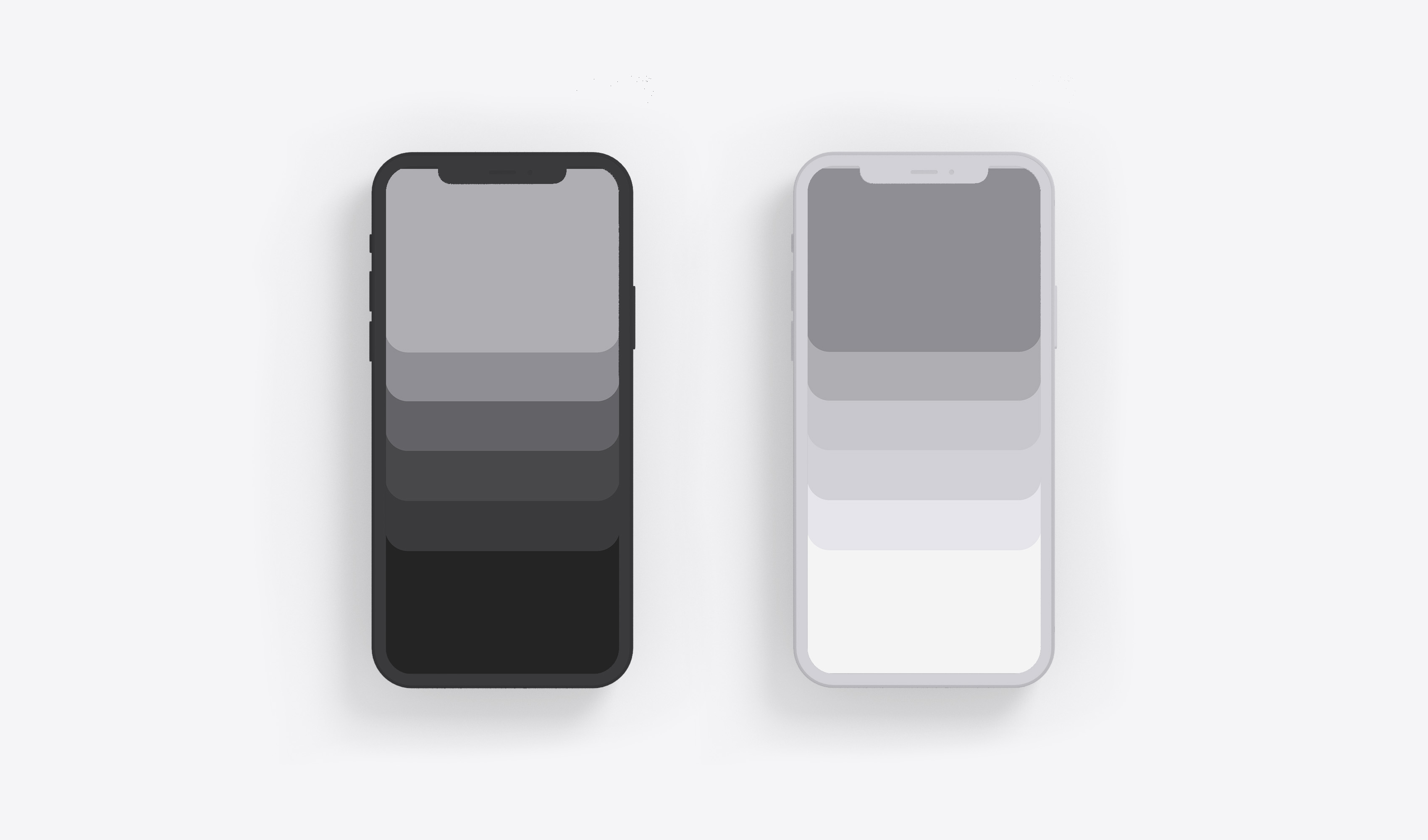
This one's for the part of you that finds pleasure in organizing your desk, deleting old files, or stacking clean dishes. It's structure. Each wallpaper hides your dock and simplifies your screen.
What's Included
This pack includes 2 minimalist iPhone wallpapers optimized for iOS 18. One dark variant (deep grays to near-black), one light variant (soft stone to cloud white). Both are designed to seamlessly blend with your iPhone's dock background, creating the illusion that your dock has disappeared. The result: a cleaner, more intentional home screen.
How to Use These Wallpapers
Tap either download button below to save the wallpaper to your Photos app. Then go to Settings > Wallpaper > Add New Wallpaper, select the image, and choose "Set as Wallpaper Pair" to apply it to both your Lock Screen and Home Screen. These wallpapers work beautifully on iPhone 15, iPhone 15 Pro, iPhone 16, and iPhone 16 Pro, though they're compatible with any iPhone running iOS 18.
I. Dark Stacks
Architectural. Intentional. Almost ceremonial.

II. Light Stacks
From soft stone to cloud white, each layer reflects just enough to separate from the next. Weightless structure.

Why Minimal Wallpapers Matter
Your iPhone's home screen is where distraction begins. Bright app icons compete for attention. Colorful wallpapers create visual noise. When you pick up your phone 80+ times per day, most of those moments aren't intentional. They're reflexive. A minimal wallpaper that hides your dock removes one layer of that noise. It creates a calmer baseline. It makes the difference between "I unlocked my phone and immediately opened Instagram" and "I unlocked my phone and thought about what I actually need right now." That pause is the point.
FAQ
Are these wallpapers free?
Yes. These wallpapers are completely free to download and use. No signup, no email, no watermark.
Do these work on iPhone 16 and iPhone 16 Pro?
Absolutely. These wallpapers are optimized for iOS 18 and work perfectly on iPhone 15, iPhone 15 Pro, iPhone 16, and iPhone 16 Pro. They'll also work on older iPhones running iOS 18.
How do these wallpapers hide my dock?
The wallpapers are designed with color gradients that seamlessly blend into iOS's dock background. When applied, the transition between the wallpaper and dock becomes nearly invisible, creating the illusion that the dock has disappeared into the background.
Can I use these with the Blank Spaces app?
Yes. These wallpapers pair beautifully with Blank Spaces to create a fully minimal iPhone experience. The wallpaper handles the visual calm; Blank Spaces removes the icon clutter.