You pick up your phone 80 times a day. Most of those times, you're not looking for anything. You're just reacting. These minimalist wallpapers are designed to interrupt that loop.
What's Included
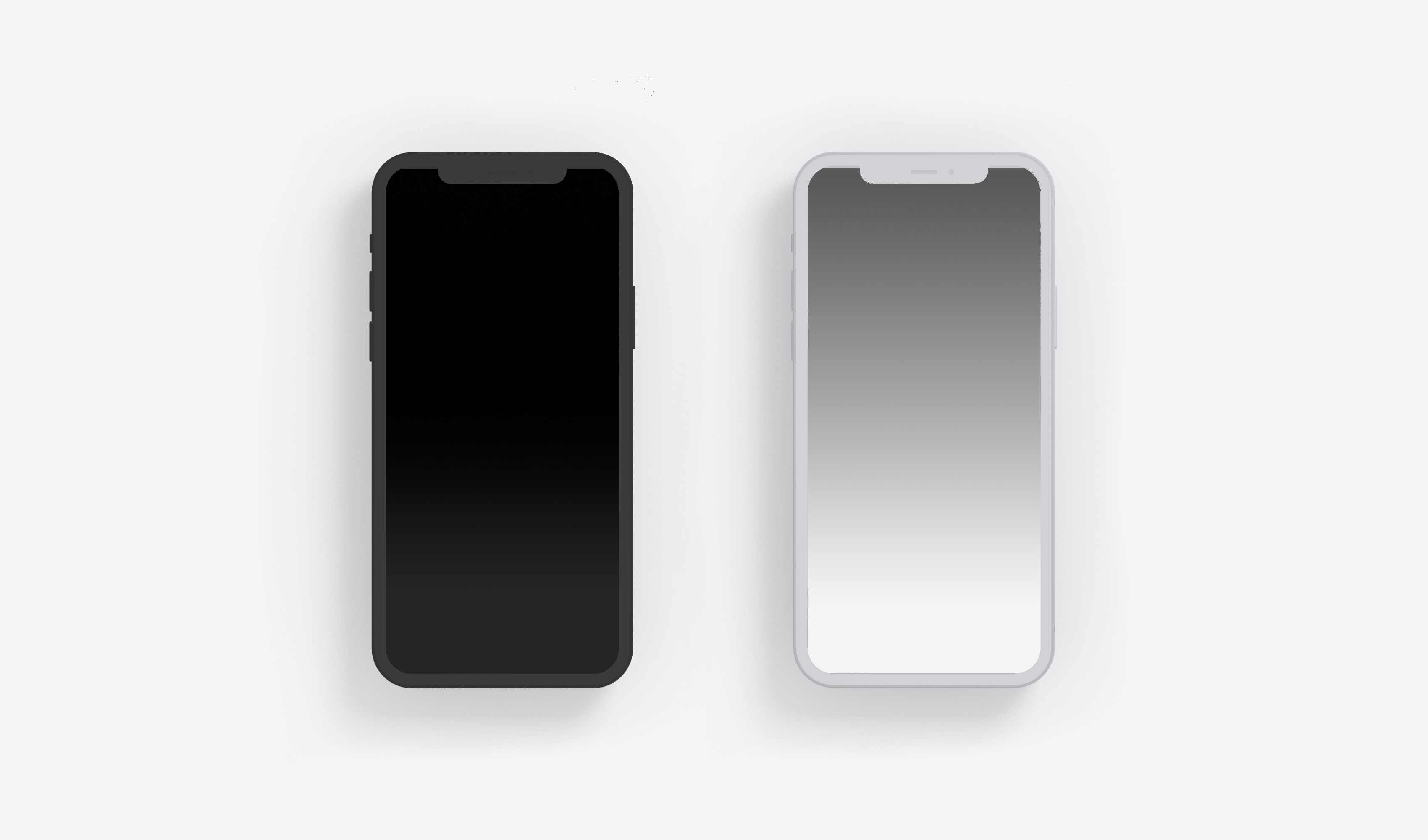
This pack contains 2 soft gradient wallpapers optimized for iOS 18. One dark gradient (deep charcoal fading to near-black), one light gradient (overcast white fading to pale gray). Both are engineered to hide your iPhone's dock by matching the dock's background blur. The effect is subtle but powerful: your home screen feels cleaner, calmer, and less distracting. Works on all iPhone models running iOS 18, with perfect optimization for iPhone 15 Pro, iPhone 16, and iPhone 16 Pro.
How to Set as Your iPhone Wallpaper
Tap the download button to save the gradient to your Photos. Open Settings > Wallpaper > Add New Wallpaper, select your saved image, and choose whether to apply it to your Lock Screen, Home Screen, or both. For the dock-hiding effect, set it as your Home Screen wallpaper. The gradients are high-resolution PNGs that look crisp on every iPhone screen.
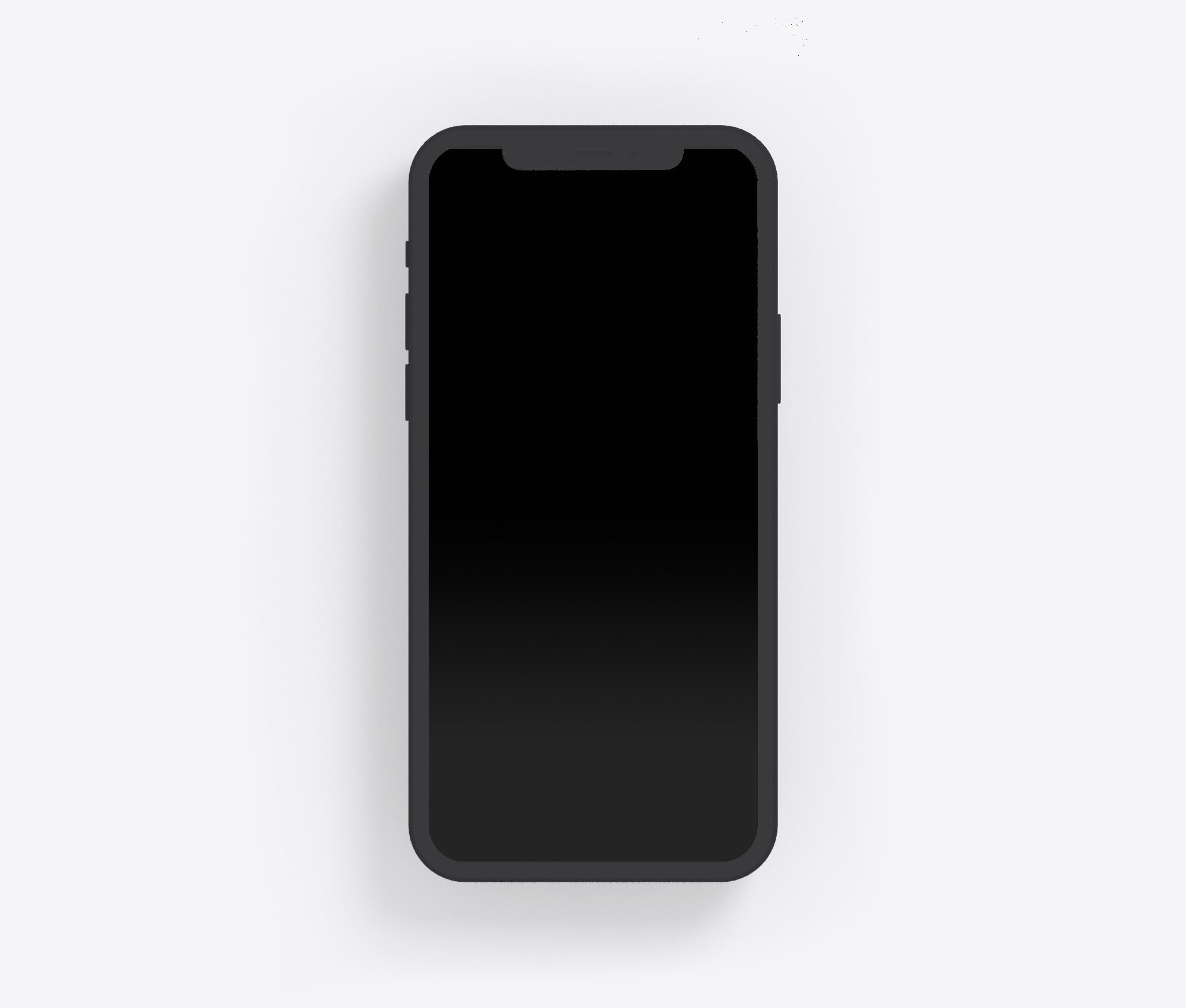
I. Dark gradient
Built for users who want to forget there's a phone in their hand.
II. Light Gradient
This wallpaper was inspired by overcast mornings and blank pages. A soft landing for your thumb.

The Philosophy: Screen Time Starts With Your Home Screen
Most people try to reduce screen time by deleting apps or using app blockers. That's fighting the symptom, not the cause. The real issue is that your home screen is designed to pull you in. Bright icons, notification badges, colorful wallpapers. They all scream for attention. A minimal gradient wallpaper does the opposite. It creates visual calm. It reduces the reflex to scroll. It gives you a second to think before you act. That second is everything. It's the difference between intentional use and mindless habit.
FAQ
Are these free to download?
Yes. Both gradient wallpapers are completely free. No account, no email, no catch.
Do these wallpapers work on iPhone 16?
Absolutely. These gradients are optimized for iOS 18 and work beautifully on iPhone 15, iPhone 15 Pro, iPhone 16, iPhone 16 Pro, and iPhone 16 Pro Max. They also work on older models running iOS 18.
How do I make my dock disappear on iPhone?
You can't completely remove the dock in iOS, but these wallpapers create the illusion of a hidden dock by using gradients that blend seamlessly with the dock's background. The result: the dock visually recedes, making your home screen look cleaner and less cluttered.
Can I use these with the Blank Spaces app?
Yes. These wallpapers are designed to complement the Blank Spaces app. The wallpaper handles the visual calm; Blank Spaces removes the app icon clutter. Together, they create a fully minimal iPhone experience.