Most wallpapers beg for attention. This pack does the opposite. No colors. No noise. Just shape, tone, and silence.
What's Included
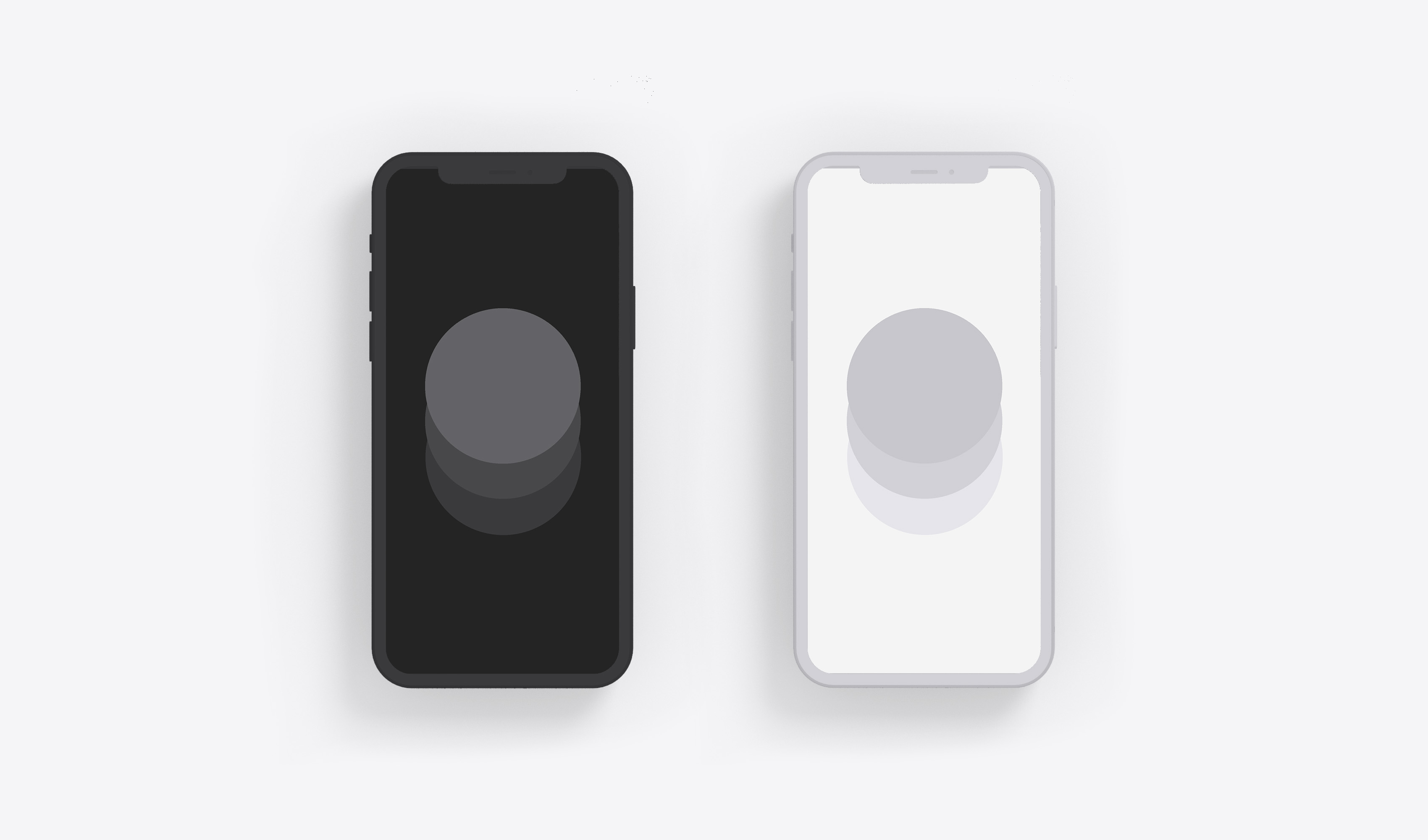
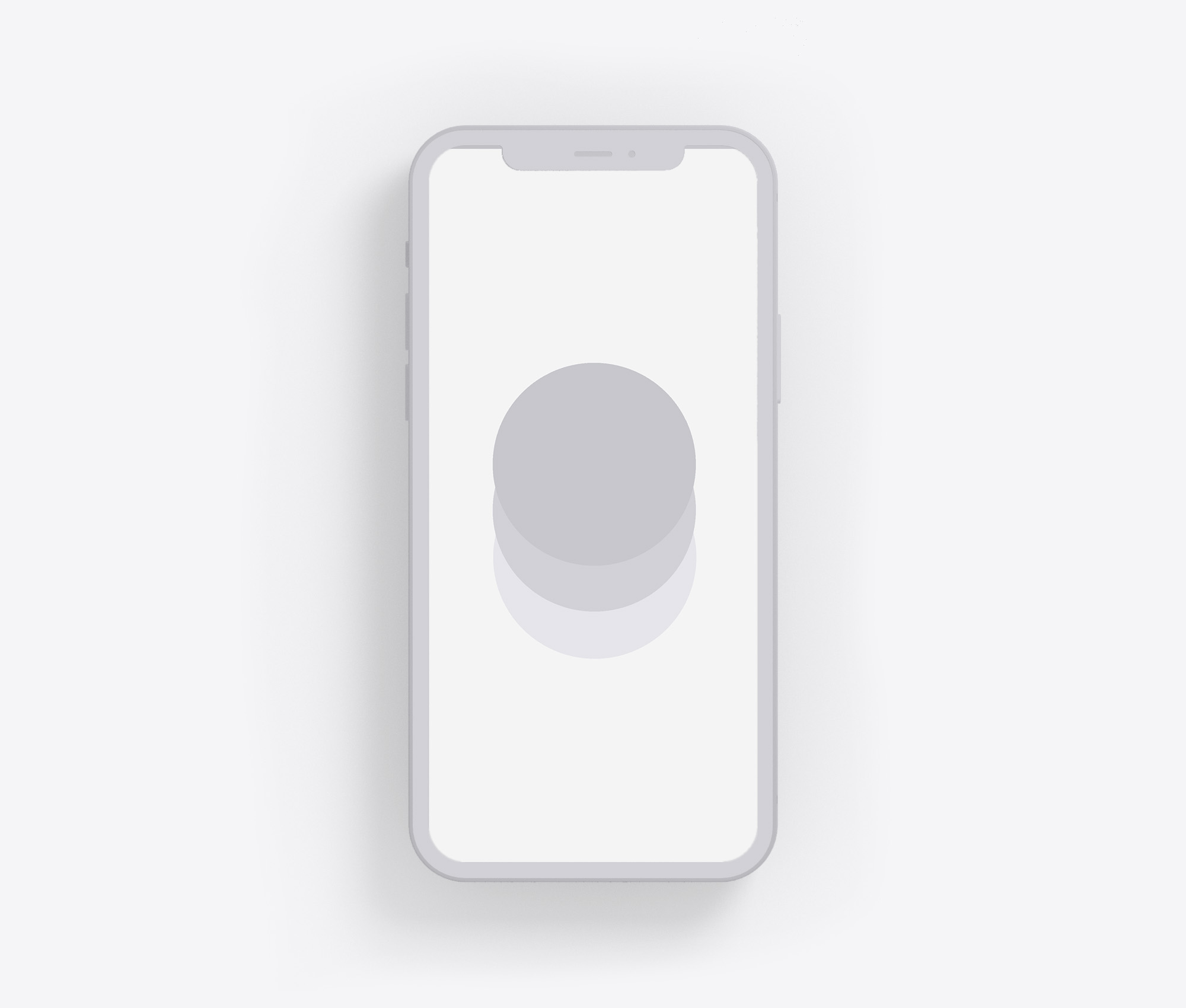
This pack includes 2 minimal iPhone wallpapers for iOS 18. One dark variant (three concentric circles in deep charcoal tones), one light variant (pale rings in soft grays). Both are carefully balanced to hide your iPhone's dock and create a clean, distraction-free home screen. The geometric simplicity works on any iPhone screen size, from iPhone SE to iPhone 16 Pro Max.
How to Download and Set as Wallpaper
Tap the download button below to save the wallpaper to your Photos. Then navigate to Settings > Wallpaper > Add New Wallpaper, select the saved image, and apply it to your Lock Screen, Home Screen, or both. The dock-blending effect works best when set as your Home Screen wallpaper. These are optimized for iPhone 15, iPhone 15 Pro, iPhone 16, and iPhone 16 Pro running iOS 18.
I. Dark Circles
Three concentric circles, stacked like stones. A shape that returns in nature, rituals, and rhythms. Center yourself.

II. Light Circles
Pale rings in balance. Feels like taking a breath.
Why Minimal Wallpapers Help With Digital Wellness
Every time you unlock your iPhone, your brain processes visual information in milliseconds. Colorful app icons, notification badges, and busy wallpapers all compete for attention. This creates cognitive load before you've even decided what to do. A minimal wallpaper reduces that load. It creates visual silence. When your home screen is calm, your phone becomes a tool you use intentionally rather than a stimulus you react to. That shift from reactive to intentional is the foundation of digital wellness.
Bonus
Use this wallpaper with the Blank Spaces app for a truly minimal experience. Remove all distractions from your iPhone.

FAQ
Are these wallpapers free to download?
Yes. Both dark and light variants are completely free. No account required, no email, no strings attached.
Do these work on iPhone 16 Pro?
Yes. These wallpapers are optimized for iOS 18 and work perfectly on all current iPhone models, including iPhone 15, iPhone 15 Pro, iPhone 16, and iPhone 16 Pro. They also work on older iPhones running iOS 18.
How do these hide my iPhone dock?
The wallpapers use carefully balanced tones that blend seamlessly with iOS's dock background. The gradient transitions match the dock's natural blur effect, making it visually recede into the background rather than standing out as a distinct element.
What file format are these wallpapers?
PNG format, optimized for iPhone screens. High resolution, no compression artifacts. Download directly to your Photos app and apply via Settings > Wallpaper.